Features Tools Launcher Gallery Get App
๐Ÿ”ฆ LED LIGHT ยท SOS ยท LAUNCHER

Your Everyday Light & Launcher

Bring light and convenience to your daily routine with Bright Flashlight. Whether you're looking for something in the dark, checking the weather, or accessing your favorite apps โ€” everything is easy to reach.

๐Ÿ”ฆLED Light
๐ŸšจSOS
๐Ÿ Launcher
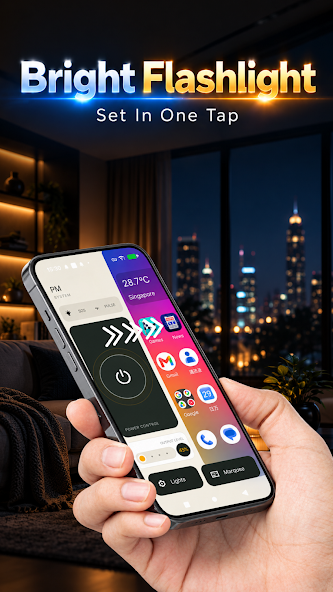
Bright Flashlight app screen
๐Ÿ”ฆ
LED Flashlight1-tap on
๐Ÿ“ข
Scrolling TextMoving message
LIGHT UP EVERY MOMENT

Practical Lighting
Tools & More

From lighting up a dark room to displaying messages โ€” Bright Flashlight has everything you need for everyday illumination.

๐Ÿ”ฆ

LED Flashlight

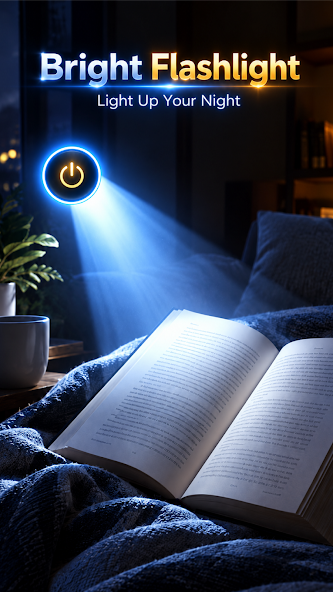
Quickly turn on your phone's flashlight when you need extra light. Perfect for dark spaces, evening walks, or finding lost items.

๐Ÿšจ

SOS Flashing Light

Use a flashing light signal when you need to attract attention or make yourself more visible.

๐Ÿ’ก

Screen Light

Use your phone's screen as a convenient light source for reading, relaxing, or low-light situations.

๐Ÿ“ข

Scrolling Text Display

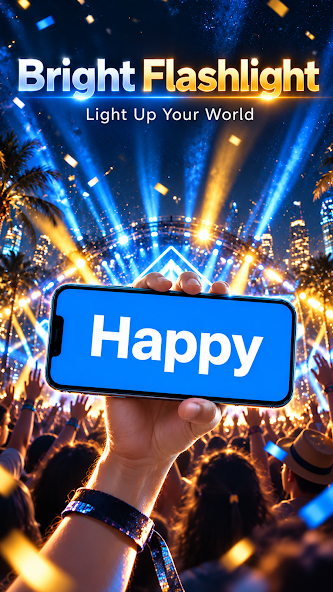
Create moving text messages on your screen. Great for displaying short messages, greetings, or reminders โ€” whether at events, in dark places, or just for fun. Customize your message and watch it scroll.

EVERYDAY TOOLS

At Your
Fingertips

๐ŸŒค๏ธ

Weather Information

Check useful weather information to stay prepared for your day.

๐Ÿ”

Easy Search

Quickly access search features to find information whenever you need it.

๐Ÿ 

Home Screen Launcher

Access your installed apps and everyday tools through a convenient Android home screen experience.

ABOUT THE LAUNCHER

Home Screen
Launcher App

Bright Flashlight is an Android home screen launcher with integrated flashlight features. To use the launcher features, you need to set Bright Flashlight as your device's default home screen launcher. This changes the appearance and layout of your home screen without deleting your installed apps or personal files.

1Open Settings
2Go to Apps > Default Apps > Home App
3Select your preferred launcher to switch back
โ„น๏ธ The exact settings path may vary depending on your Android device. You can switch back to your previous launcher at any time.
Launcher home screen preview

Make Everyday
Tasks Easier

From lighting up a dark room to checking the weather and opening your favorite apps โ€” Bright Flashlight keeps useful tools within easy reach. Download now and explore a convenient combination of flashlight tools and home screen features.

Get It On Google Play

Free to download ยท LED light ยท SOS ยท Screen light ยท Scrolling text ยท Weather ยท Search ยท Launcher